Overview
Stamp Cutout Effect — Making a viral photo trend easier for anyone to create
A free web app that helps people recreate a stamp-cutout photo effect without downloading another app or learning professional design software.
Impact
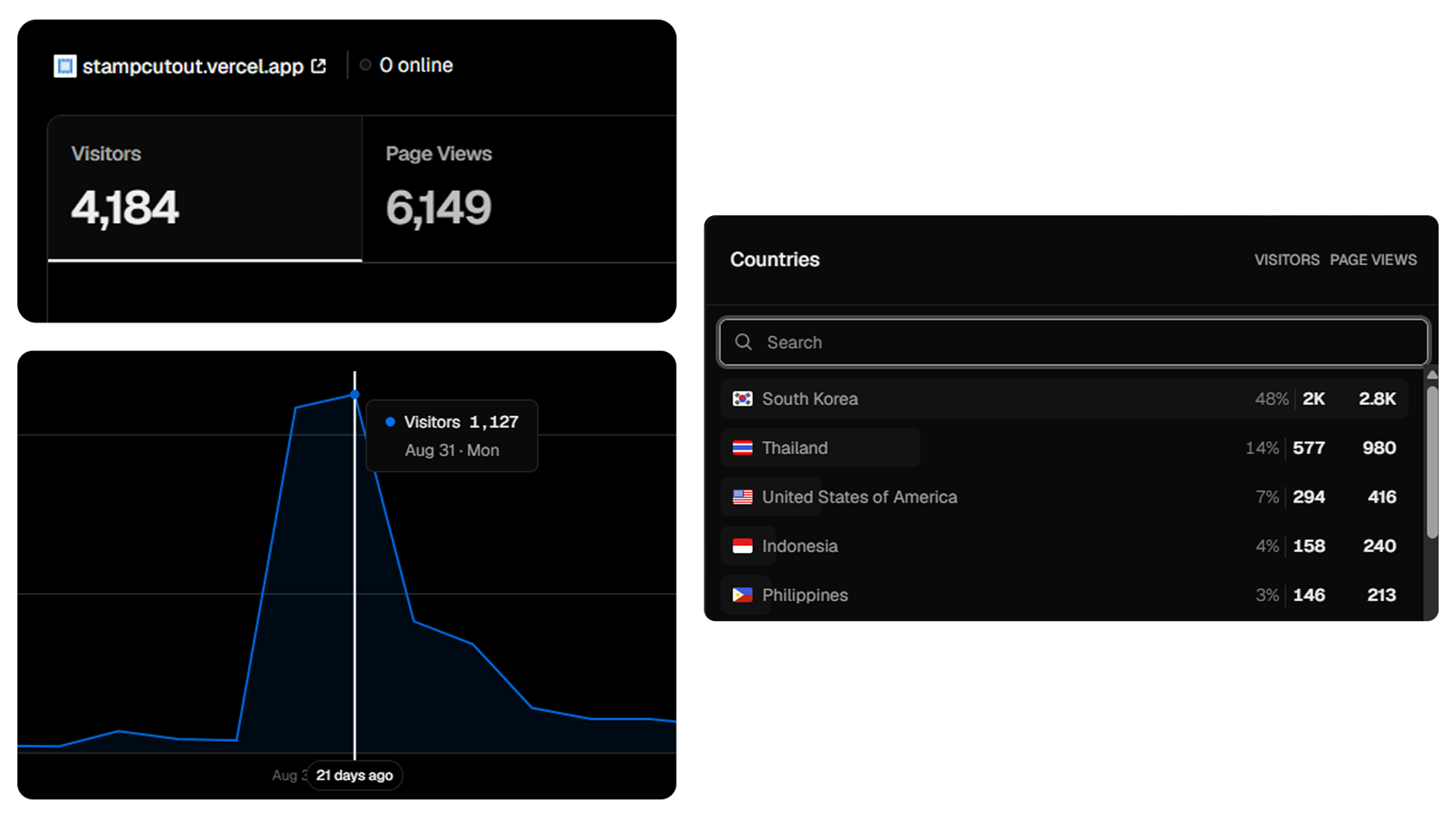
4K
Unique visitors
In roughly 3 weeks after launch.
48%
Traffic from South Korea
Share of total traffic, driven by one reshare.
40+
Daily visitors
Still arriving after active promotion slowed.
The Problem
The effect was simple. Creating it wasn’t.
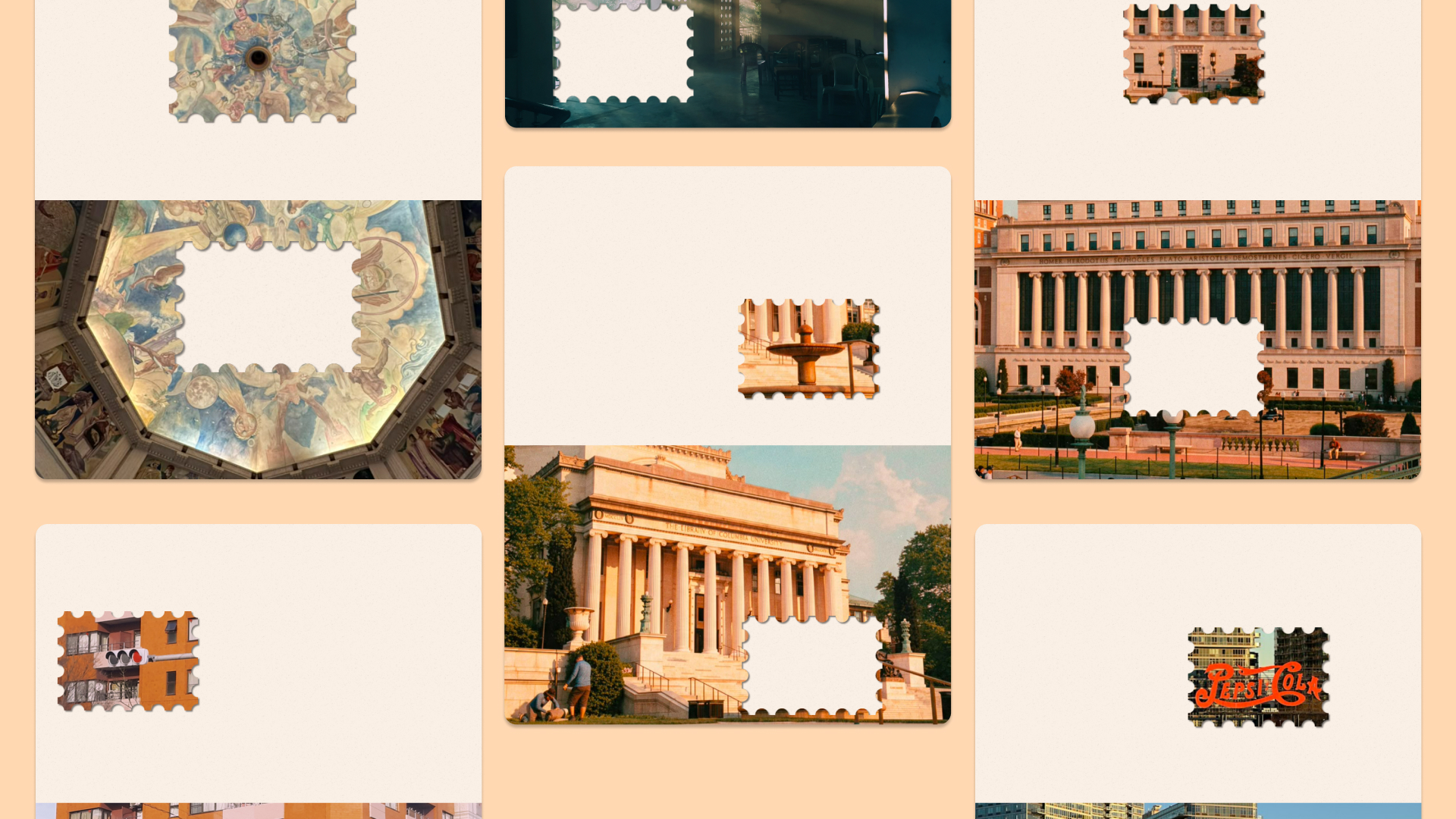
I noticed an Instagram trend where people placed a stamp-shaped cutout of a photo above the original image. Existing apps could recreate it, but they often required downloads, multiple editing steps, and limited control. Professional design tools offered more flexibility, but came with a much larger learning curve.
Opportunity
How might I make this effect quick and easy to create with fewer steps—without requiring an account or app download?
Process
01 · From AI-generated starting point to a designed product
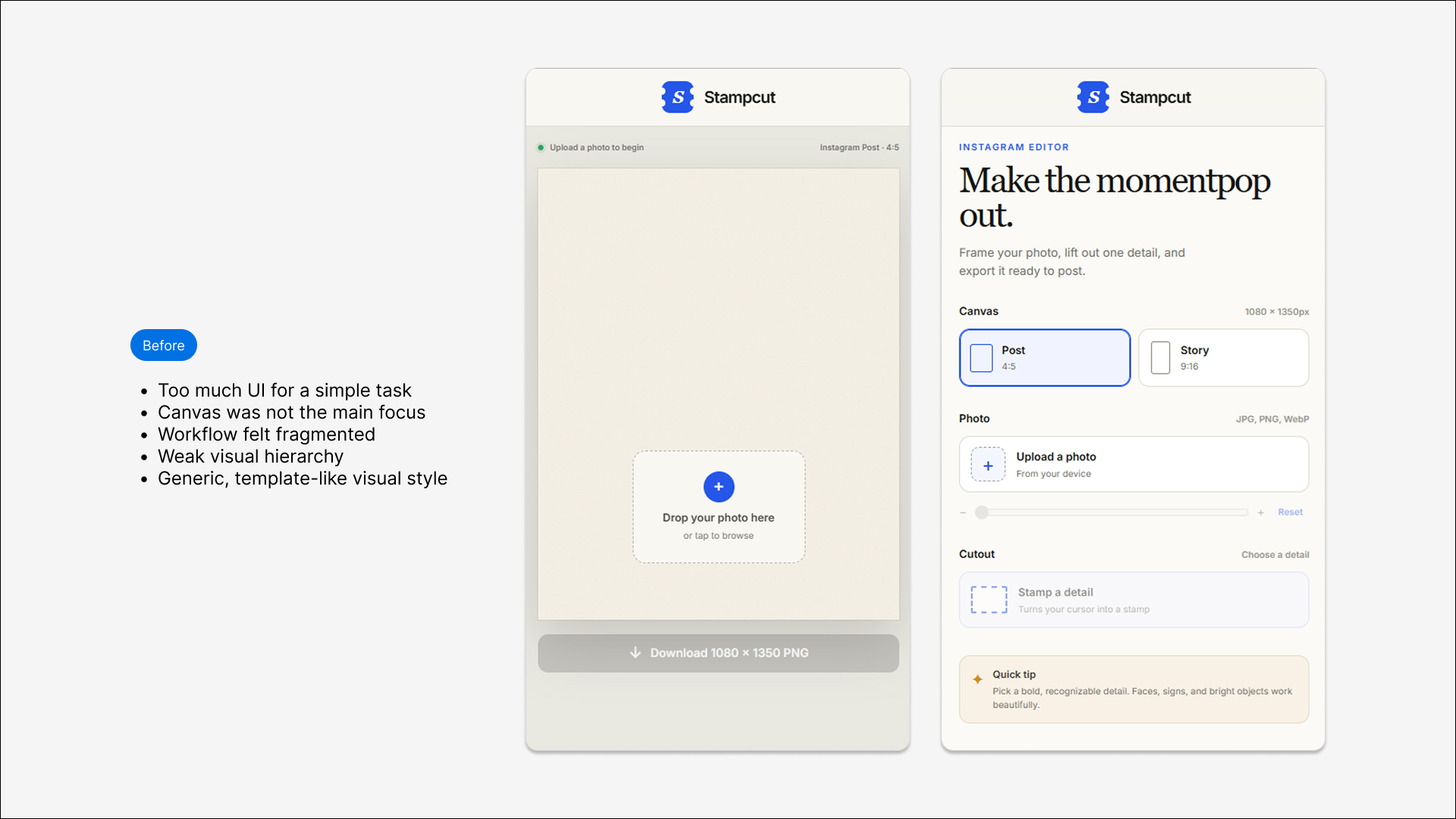
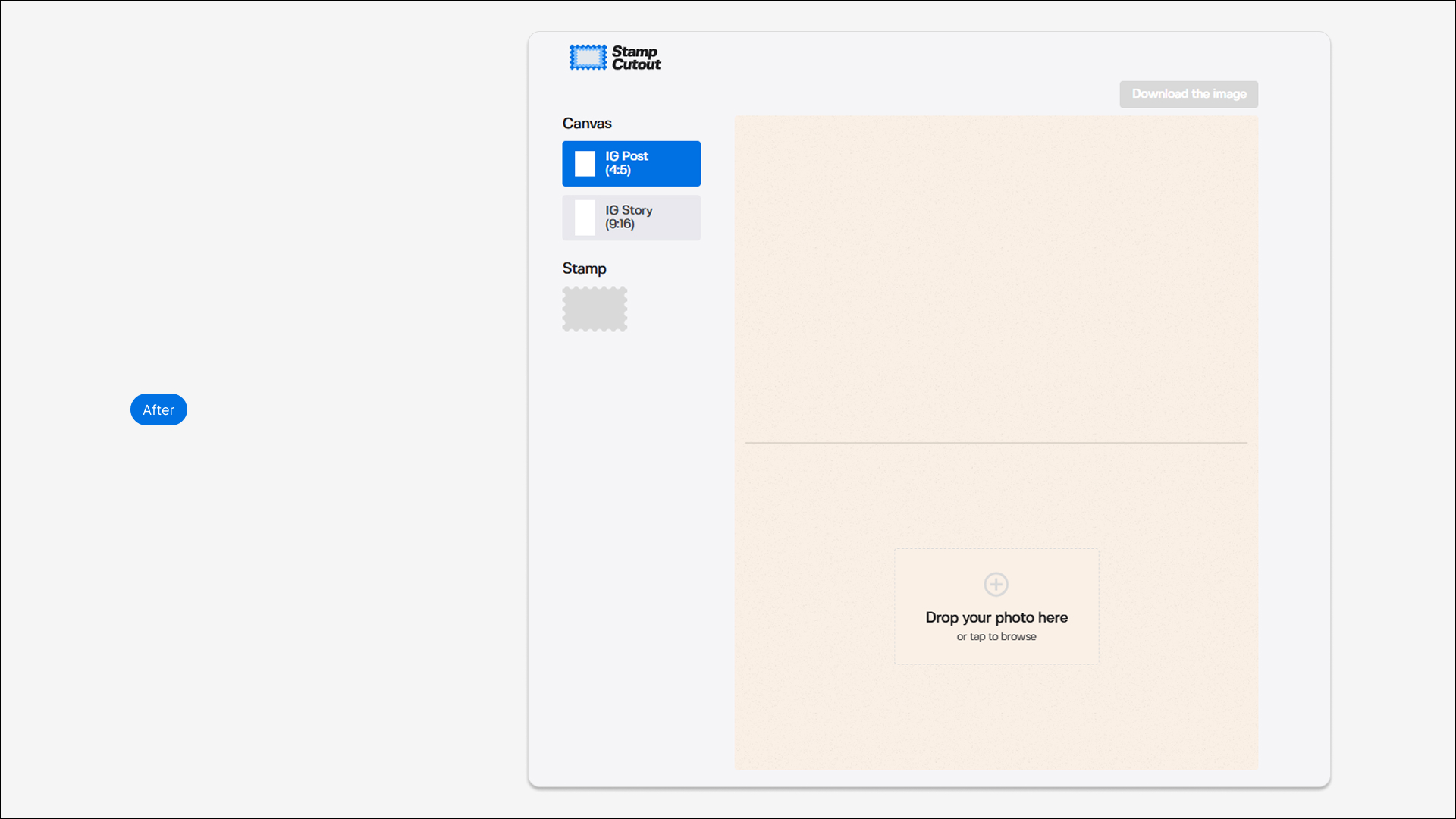
I used AI-assisted coding to generate the first working version based on the features I wanted. The initial output gave me a functional starting point, but the interface felt generic and needed stronger visual hierarchy, clearer interactions, and more intentional product decisions. I redesigned the UI and refined the experience through repeated iteration.
02 · Five deliberate design decisions
Rather than adding more features, I focused on a small set of decisions that kept the experience simple and predictable.
Controlled resizing
Stamp size is limited to 340×240–450×318 with a fixed 17:12 ratio to preserve the visual balance of the effect.
Stage-based controls
Users can zoom the photo before stamping and resize the stamp before finalizing, reducing accidental edits.
Automatic photo fitting
Uploaded photos automatically fit to the canvas width, giving users a usable starting composition immediately.
One-cutout limitation
The experience supports one stamp at a time because the trend is centered around highlighting one favorite part of a photo.
Responsive interactions
Desktop uses mouse and resize handles, while mobile uses pinch and drag for interactions that feel natural on each device.
Final Prototype
Launch
Launching gave me the feedback I couldn’t get from designing alone.
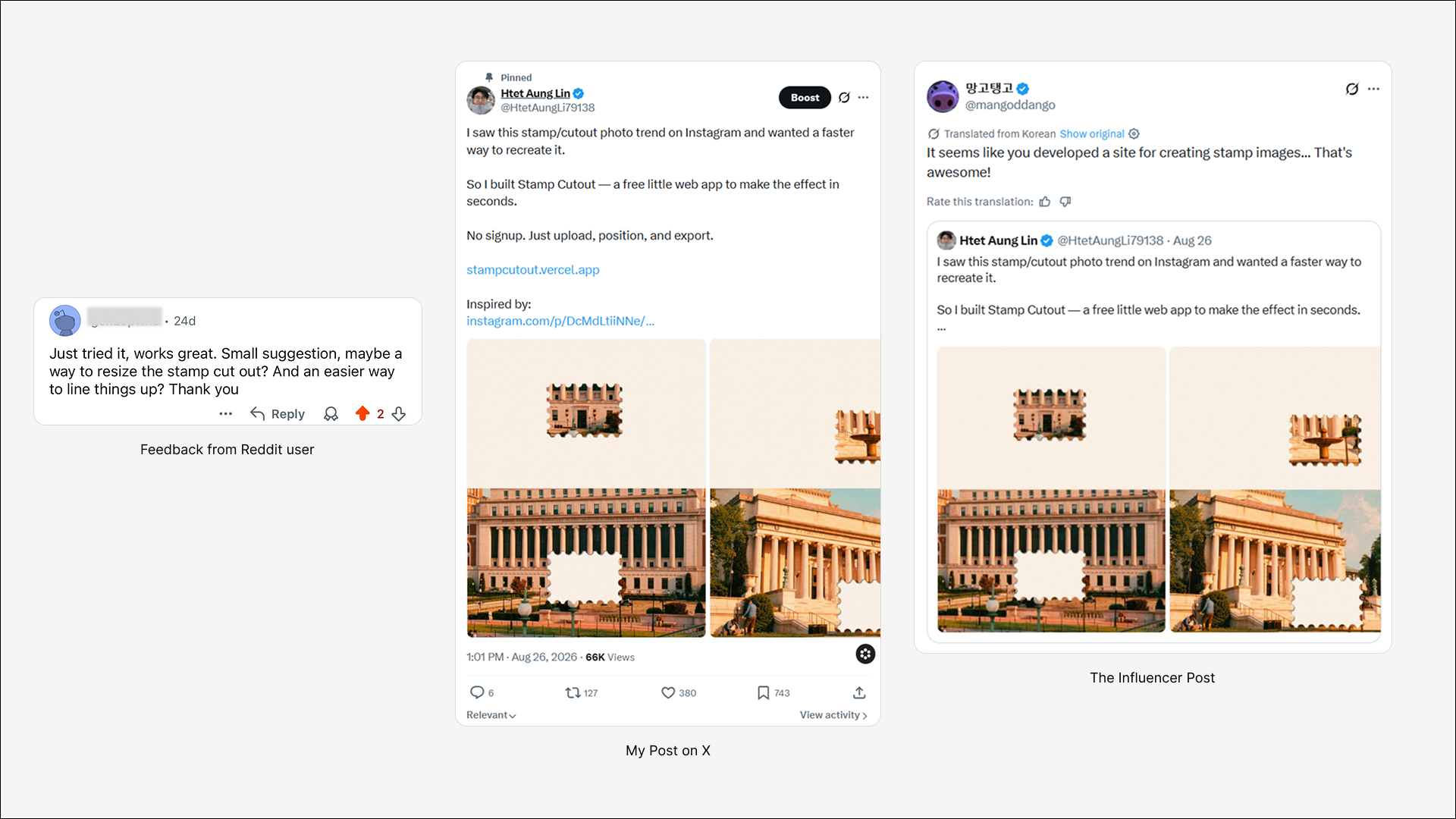
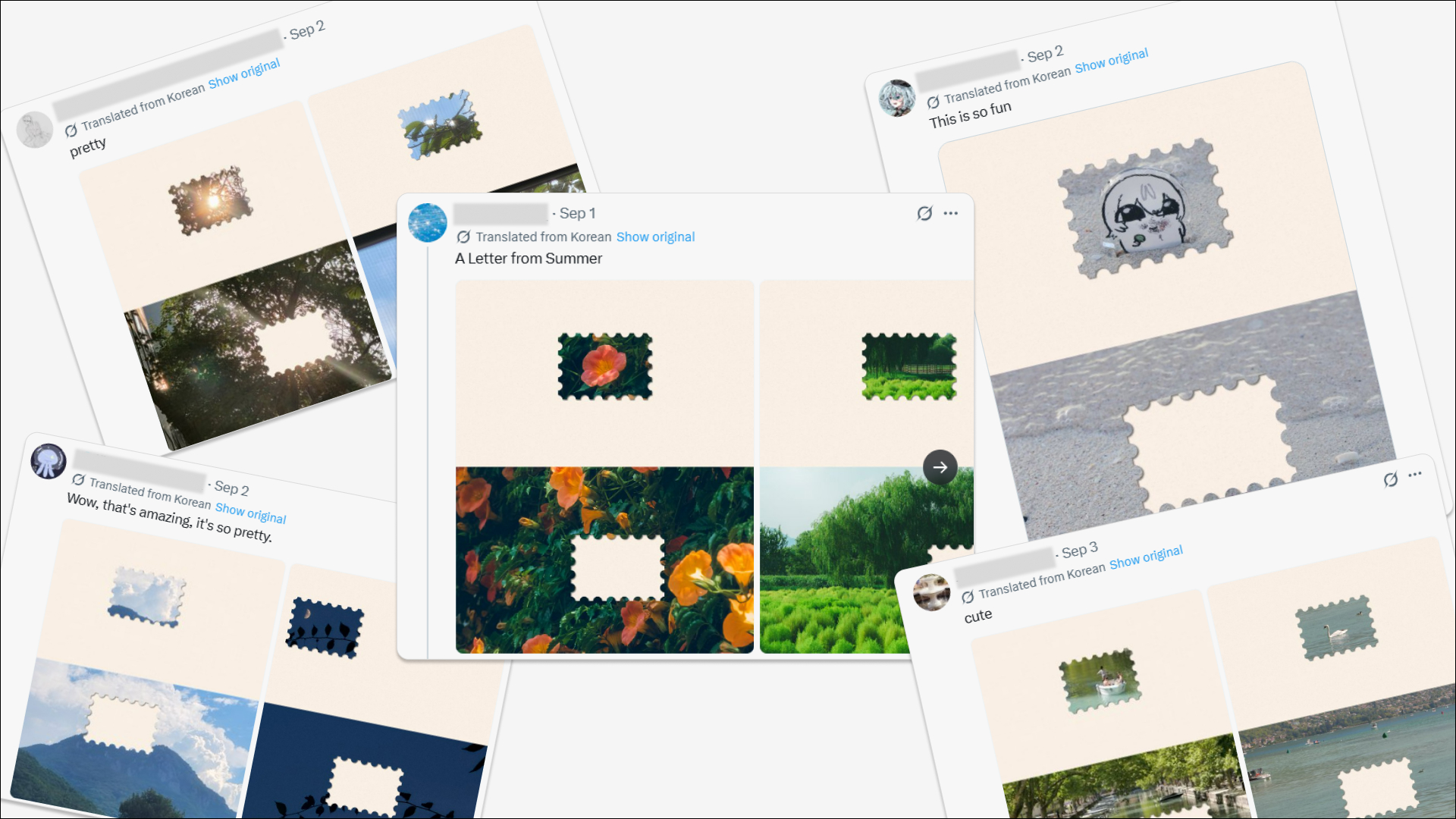
I first shared Stamp Cutout on Reddit and X. Reddit gave me early product feedback, including the resize request. Later, I shared the tool with a South Korean design influencer who was posting about the same trend. They tried it, liked it, and reshared it with their audience.
User Feedback
Reflection
What I learned
AI is a starting point, not the final designer.
AI helped me move quickly from idea to prototype, but the product improved through deliberate interaction decisions, visual constraints, and repeated iteration.
Distribution is part of product building.
Shipping the tool wasn’t enough. Sharing it where the trend already existed is what connected it with users.
Real feedback is more valuable than guessing.
The resize feature came directly from a user request, and the product became better because I shipped early enough to hear it.